

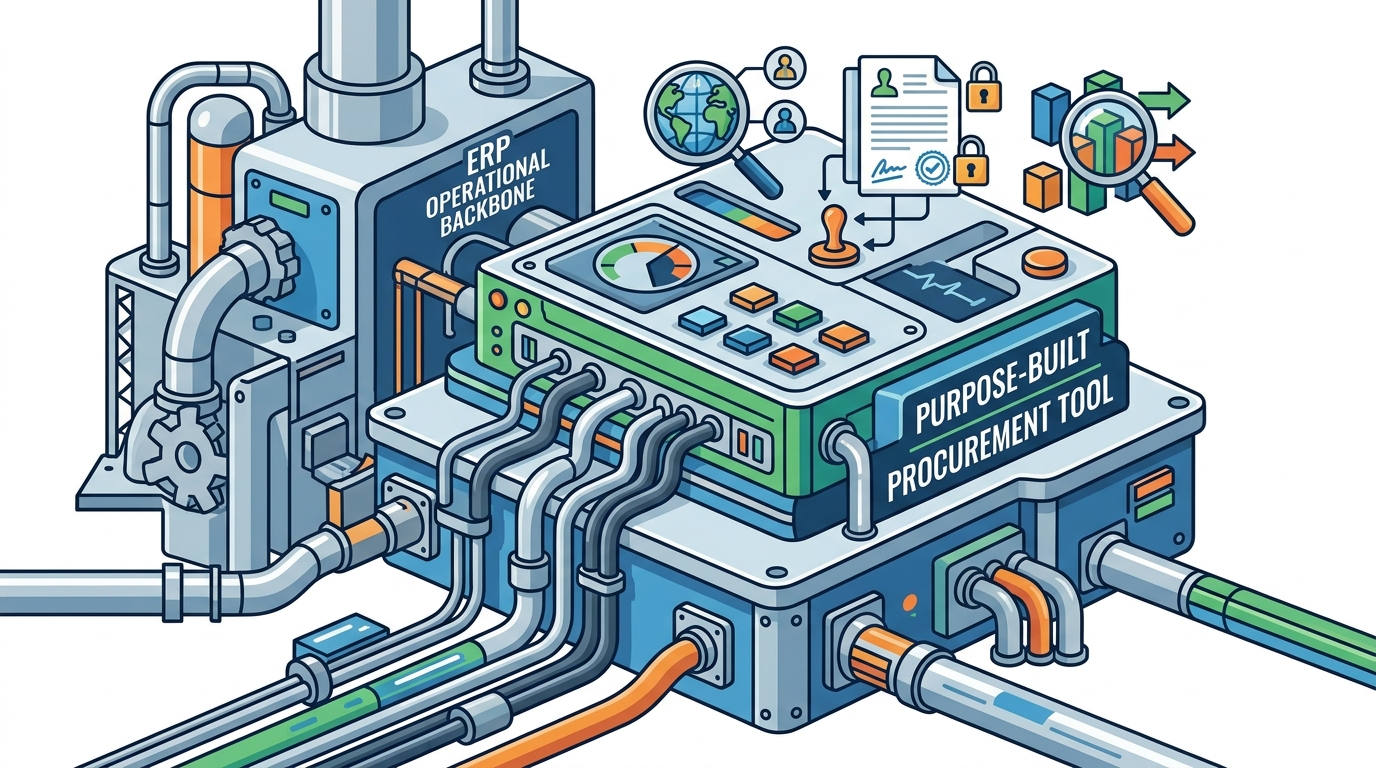
Your ERP system is the operational backbone of your business—but when it comes to procurement, it probably falls short. Strategic sourcing, supplier risk scoring, contract compliance tracking, and spend analytics are rarely native strengths of general-purpose ERP platforms. The solution is not to replace your ERP but to layer a purpose-built procurement tool on top of it and wire the two together.
This guide walks you through the practical mechanics of that integration: the three primary connection methods, a phased implementation roadmap, the pitfalls that derail projects, and the measurable outcomes you can expect once everything is humming.
Why Your ERP Alone Is Not Enough for Modern Procurement
Enterprise resource planning systems were originally engineered for manufacturing, logistics, and financial record-keeping. They excel at structured, transactional workflows such as order fulfillment and bookkeeping. However, modern procurement demands dynamic collaboration, flexible approval chains, and real-time supplier intelligence—capabilities that most ERPs simply do not provide out of the box.
According to research cited by Globality, more than 90% of procurement leaders view their sourcing technology as unintuitive, siloed, and lacking impact. When employees find the buying experience frustrating, they resort to workarounds—purchasing off-contract, emailing spreadsheets, or bypassing approval chains entirely. This shadow spend can erode up to 10% of an organization's margin.
A dedicated procurement platform closes these gaps while letting your ERP continue to serve as the system of record for finance and operations.
Three Integration Methods: Native Connectors, Middleware, and APIs
Before you write a single line of configuration, you need to choose how the two systems will talk to each other. There are three mainstream approaches, each with distinct trade-offs.
1. Native (Pre-Built) Connectors
Many procurement vendors ship connectors designed for popular ERP platforms like SAP S/4HANA, Oracle Fusion, NetSuite, and Microsoft Dynamics. These connectors are pre-configured for the ERP's data structures and workflows, which means no custom development is needed. Activation is typically handled through the ERP's settings panel or an app marketplace.
- Pros: Fastest time-to-value; vendor-supported upgrades; minimal IT burden.
- Cons: Limited customization; may not cover edge-case data fields; locked to the vendor's release cycle.
2. Middleware / iPaaS Platforms
Middleware acts as an intermediary layer that extracts data from the procurement tool, transforms it into the format your ERP expects, and routes it to the correct module. Popular iPaaS (Integration Platform as a Service) options include MuleSoft, Dell Boomi, Celigo, and Workato.
- Pros: Handles complex, multi-system landscapes; supports high data volumes; reusable integration logic.
- Cons: Additional subscription costs; if the middleware layer fails, every connected integration may break; requires defining business logic for data mapping.
3. Custom API-Driven Integration
With an API-based approach, your development team writes code that calls the procurement platform's REST or SOAP endpoints and pushes or pulls data to/from the ERP. This gives you full control over what data moves, when it moves, and how it is transformed.
- Pros: Maximum flexibility; fine-grained control over data flow; no dependency on third-party middleware.
- Cons: Requires in-house development expertise; ongoing maintenance burden; authentication and versioning complexity.
For most mid-market companies, a hybrid approach works best: use native connectors for standard purchase-order and invoice flows, then layer in middleware or custom APIs for specialized data like supplier scorecards or sustainability metrics.
Step-by-Step Integration Roadmap
Below is a six-phase framework you can adapt to your organization's size and complexity.
Phase 1 — Audit Your Current ERP and Procurement Workflows
Start by documenting every procurement process that touches the ERP: requisitions, purchase orders, goods receipts, three-way matching, and payment runs. Identify where data is manually re-keyed, where approvals stall, and where spend escapes visibility.
- Map existing data fields in the ERP's purchasing module.
- Catalog any custom fields, approval hierarchies, or cost-center structures.
- Interview procurement, finance, and operations stakeholders to surface pain points.
Phase 2 — Define Integration Scope and Success Metrics
Resist the urge to integrate everything at once. Prioritize the data entities that deliver the highest value with the lowest complexity—typically purchase orders, supplier master records, and invoice line items.
Set measurable KPIs: reduction in manual data entry hours, purchase-order cycle time, maverick-spend percentage, and invoice-exception rate.
Phase 3 — Select Software and Integration Method
Evaluate procurement tools against your ERP's architecture. Check whether the vendor offers a certified connector for your ERP version. If not, assess API documentation quality and middleware compatibility. Conduct vendor demos using your own data to verify field-level mapping accuracy.
Phase 4 — Build, Configure, and Map Data
This is where IT and procurement collaborate most intensely. Key tasks include:
- Mapping procurement-tool data objects (e.g., requisition, PO, invoice) to ERP equivalents.
- Defining transformation rules for currencies, tax codes, unit-of-measure conversions, and GL account strings.
- Configuring authentication (OAuth 2.0, API keys, SSO) and setting rate limits.
- Building error-handling routines so failed transactions are logged, not lost.
Phase 5 — Test in a Sandbox Environment
Run functional tests covering every integration touchpoint: creating a requisition in the procurement tool and verifying it appears in the ERP, approving a PO and confirming budget deduction, and processing an invoice through three-way match. Supplement with load testing to ensure the integration handles peak transaction volumes without latency.
Phase 6 — Go Live, Monitor, and Iterate
Deploy to production in a controlled rollout—one business unit or region at a time. Monitor integration logs daily for the first 30 days. Track your KPIs against the baselines established in Phase 2 and refine data mappings as edge cases surface.
Common Integration Pitfalls and How to Avoid Them
| Pitfall | Root Cause | Mitigation |
|---|---|---|
| Data silos persist after go-live | Incomplete field mapping; legacy systems excluded from scope | Conduct a data-field audit before Phase 4; include legacy feeds in the middleware layer |
| User adoption stalls | Procurement team was not involved in requirements gathering | Co-design workflows with end users; provide role-specific training |
| Integration breaks after ERP upgrade | API versioning not managed; connector not certified for new release | Subscribe to vendor release notes; maintain a staging environment that mirrors production API versions |
| Performance degradation at month-end | Batch sync jobs compete with ERP reporting jobs | Schedule sync windows outside peak reporting hours; use event-driven (webhook) integration where possible |
| Security and compliance gaps | API keys hard-coded; no encryption in transit | Implement OAuth 2.0, TLS 1.3, and regular credential rotation; align with GDPR/SOC 2 requirements |
Real-World Integration Scenarios
Scenario A — Mid-Size Manufacturer on SAP S/4HANA
A 500-employee manufacturer uses SAP S/4HANA for finance and production planning but struggles with manual three-way matching. They deploy a cloud procurement platform with a certified SAP BTP connector. Purchase orders created in the procurement tool sync to SAP in near-real time, and invoice matching is automated. Result: invoice processing time drops by 55% and off-contract spend falls below 5%.
Scenario B — Multi-Subsidiary Retailer on Multiple ERPs
A retailer operating in 12 countries runs Oracle in North America and a regional ERP in Asia-Pacific. They adopt a procurement platform with native multi-ERP support, centralizing supplier master data and spend classification across both systems. A shared data model enables consistent vendor records and unified category taxonomy, eliminating duplicate supplier profiles and saving an estimated 8% on consolidated spend.
Scenario C — SaaS Company on NetSuite
A fast-growing SaaS firm integrates a procurement management tool with NetSuite using an iPaaS middleware layer. Within three months, the team gains complete visibility into vendor contracts and renewal dates, reducing software renewal costs by over 30%.
Key Takeaways
- Don't replace—extend. Your ERP remains the system of record; the procurement tool adds strategic depth.
- Choose your integration method wisely. Native connectors offer speed, middleware handles complexity, and APIs deliver flexibility.
- Scope tightly, then expand. Start with POs, invoices, and supplier masters before tackling advanced analytics or contract lifecycle data.
- Involve stakeholders early. Procurement, finance, IT, and operations should all contribute to requirements and testing.
- Monitor continuously. Post-go-live vigilance catches data-mapping errors before they compound.
Frequently Asked Questions
What is the fastest way to connect a procurement tool to my ERP?
Native (pre-built) connectors are the fastest path. Many procurement vendors offer certified integrations for major ERP platforms like SAP, Oracle, and NetSuite that can be activated through settings panels without custom code.
Do I need middleware if my procurement tool already has an API?
Not necessarily. If you are connecting only two systems and the data mappings are straightforward, a direct API integration may be sufficient. Middleware becomes valuable when you need to orchestrate data flows across three or more systems or when complex transformation logic is required.
How long does a typical procurement-ERP integration take?
Timelines vary widely. A cloud-based procurement tool with a native ERP connector can be live in as few as 4–8 weeks. Heavily customized, on-premises integrations involving legacy systems can take 6–12 months or longer, depending on data migration complexity.
What data should I integrate first?
Start with the entities that drive the most manual work: purchase orders, supplier master records, and invoices. These three data objects cover the core procure-to-pay cycle and deliver immediate efficiency gains. Contract data, spend analytics, and supplier performance metrics can follow in subsequent phases.
How do I handle security during integration?
Use industry-standard protocols: OAuth 2.0 for authentication, TLS 1.3 for data in transit, and encryption at rest for sensitive fields. Rotate API credentials on a regular schedule, enforce least-privilege access, and ensure your setup aligns with regulatory frameworks like GDPR, HIPAA, or SOC 2 as applicable.
Will the integration break when my ERP is upgraded?
It can. API versioning changes in ERP upgrades are a common source of integration failures. Mitigate this by subscribing to your ERP vendor's release notes, maintaining a staging environment that mirrors production API versions, and testing integrations against pre-release builds before upgrading production.